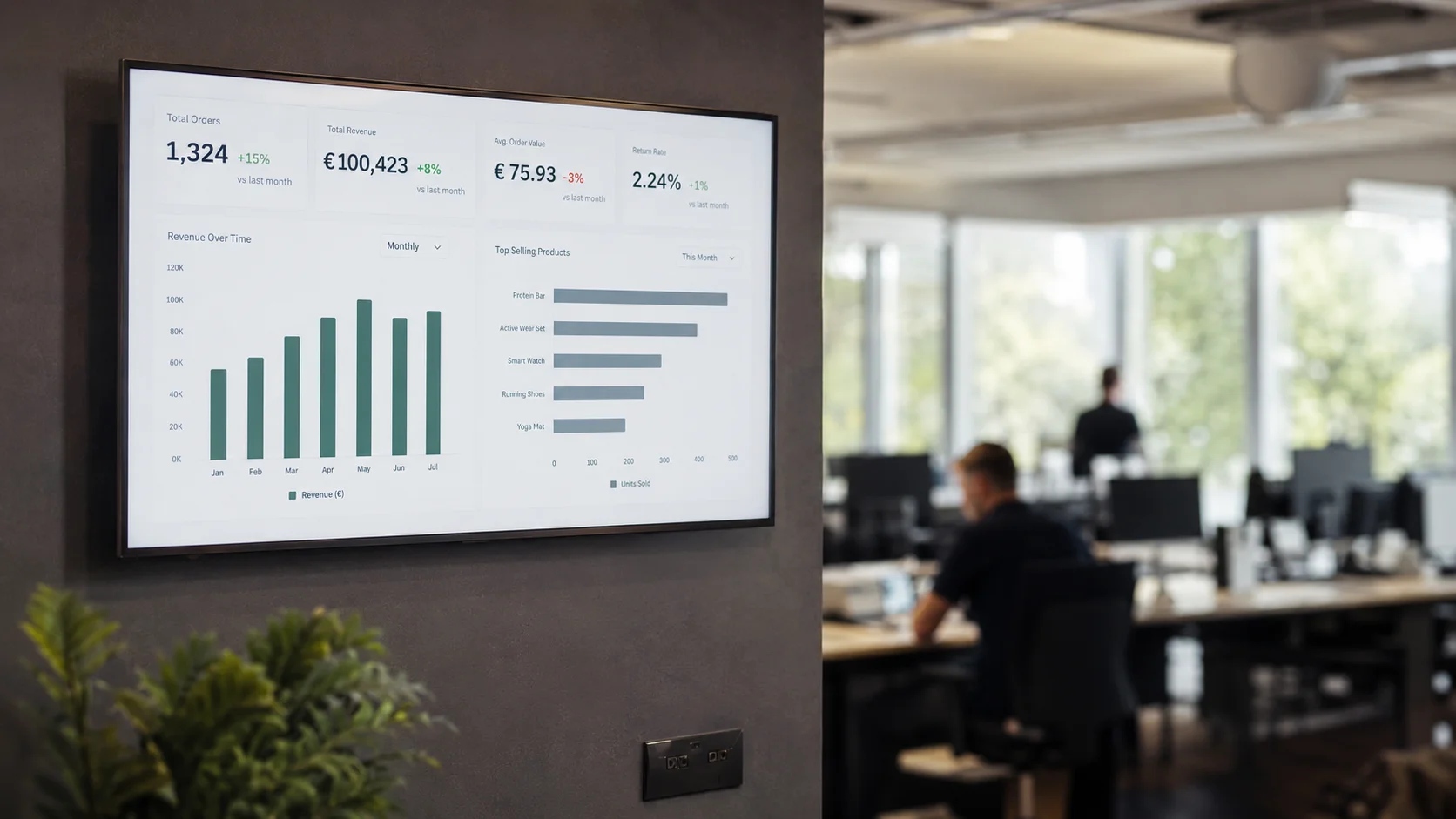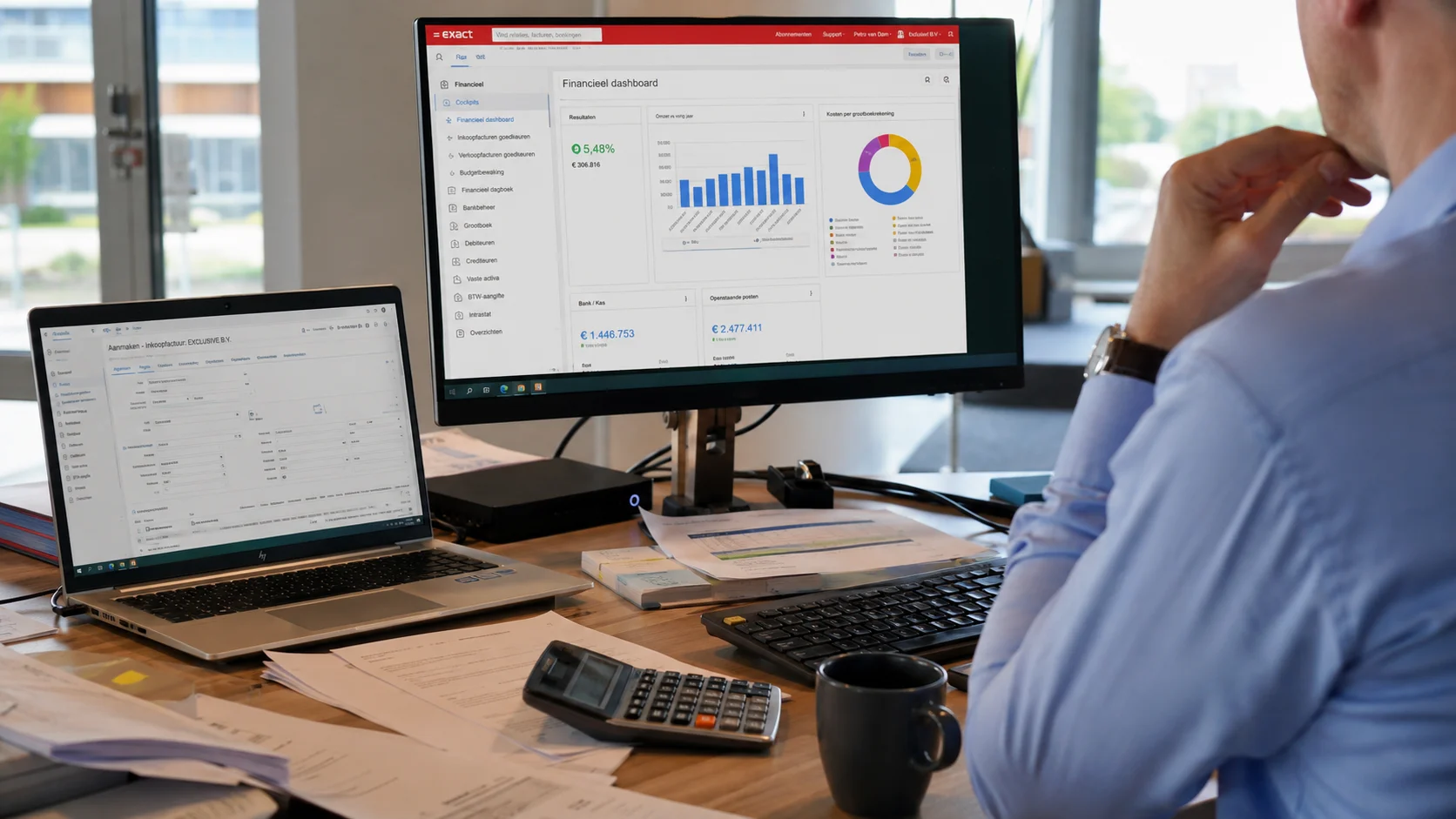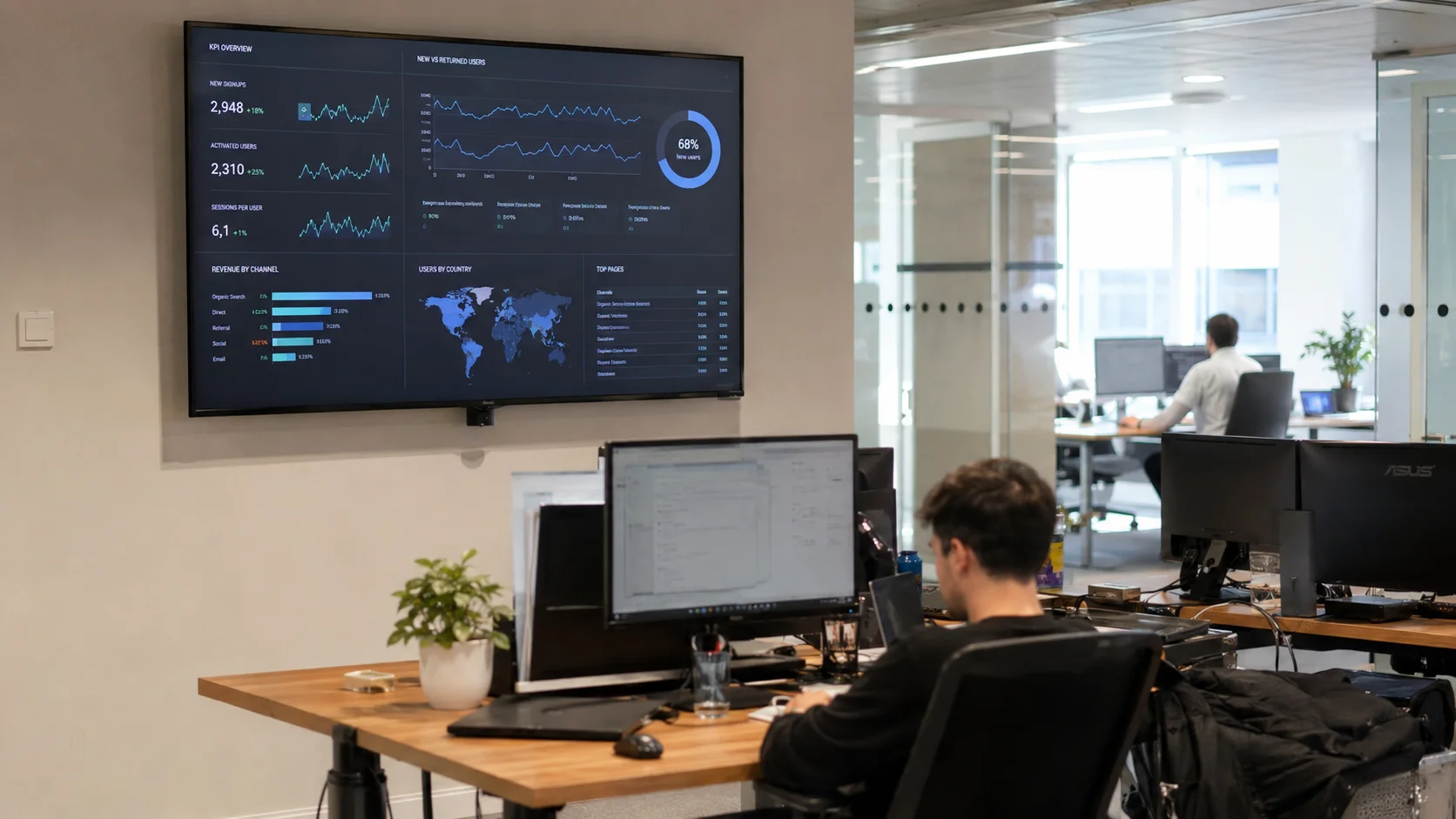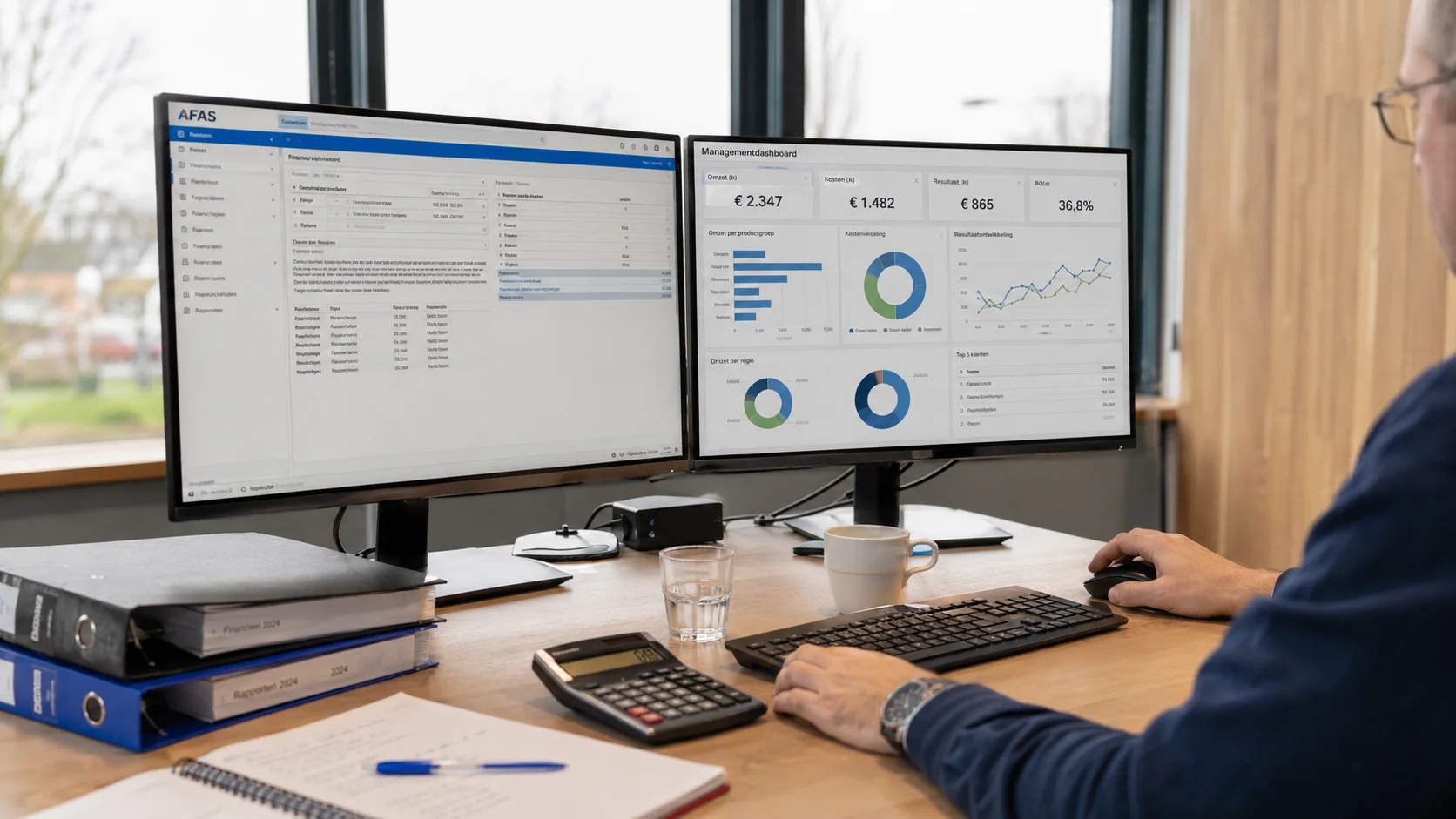

AFAS is the beating heart of administration for many SMBs: finance, HR, payroll and projects in one package. But all that data is spread across separate modules and reports you have to pull manually. A direct connection to a dashboard brings that information together in real-time, without you having to click through AFAS every day.
Why connect AFAS to a dashboard?
AFAS contains a huge amount of valuable data: revenue and invoices, but also staff costs, absenteeism and project hours. The problem is that these figures live in different screens and overviews. A dashboard connection puts the numbers that matter to you in one place, always current, so you no longer have to lay several reports side by side.
How does the integration work technically?
AFAS provides access to your data through GetConnectors: data sources you configure in AFAS that become available via the REST API. Through those GetConnectors, Ralect automatically retrieves the desired data. The connection is secured with an App Connector token and runs completely in the background. You don't need any technical knowledge.
Real-time
Your AFAS figures are always up to date in your own dashboard. No more pulling reports, no exporting to Excel and no waiting until the end of the month.
Which KPIs can you see?
With a Ralect + AFAS dashboard you immediately see:
- Daily and cumulative revenue per period, division or cost centre
- Outstanding invoices and what's still coming in
- Gross margin per project, service or department
- Cash flow and liquidity position in real-time
- Staff costs and FTE development
- Absenteeism and leave balance per team
- Billable hours and project progress
- Accounts receivable and payable balance
Real-time view of your projects
For businesses that work on a project basis, this is often the biggest win. AFAS neatly records your project hours, costs and invoicing, but you usually only see the margin of an ongoing project once it's finished. A dashboard turns that around: per project you see, in real-time, the booked hours against the budget, the work in progress, billability and the current margin.
If a project runs over time or under margin, you see it while you can still act on it, not only at the final reckoning. And because the hours, costs and invoicing come from the same AFAS administration, the overview always matches your bookkeeping. For a project manager, that means steering on facts instead of gut feeling.
Does Ralect write anything back to AFAS?
No. Through GetConnectors, Ralect only reads the data needed for the KPIs you want to see, and runs the calculations on it automatically. The result is always ready in real-time behind a secure login, in a dashboard with your own branding, whenever you or a colleague needs it. We never write anything back to AFAS.
Besides AFAS, Ralect also connects with Exact Online, HubSpot, Shopify, Salesforce, Pipedrive, WooCommerce, Mollie and more. All data comes together in one dashboard.
From separate AFAS modules to one overview
The biggest difference isn't the technology, it's what you can suddenly see. AFAS combines finance, HR and projects, but those insights normally live in separate modules. In a dashboard you bring them together: you see your revenue next to your staff costs and your project margin at a glance. That matters for the decisions that count: the Monday morning meeting, a hire on the table or a board meeting where you don't want to show up with last month's numbers.
Your financial administration stays in AFAS; a dashboard only reads those figures. Ralect One works exactly the same way: you keep the bookkeeping in AFAS, and the operation around it, from quote and project to service and planning, runs in one system. So if you want to go beyond just watching your figures, that's the logical next step.